TOTAL HORROR
A downloadable Total Horror for Windows
🌑 Total Horror - Early Beta Access 🌑
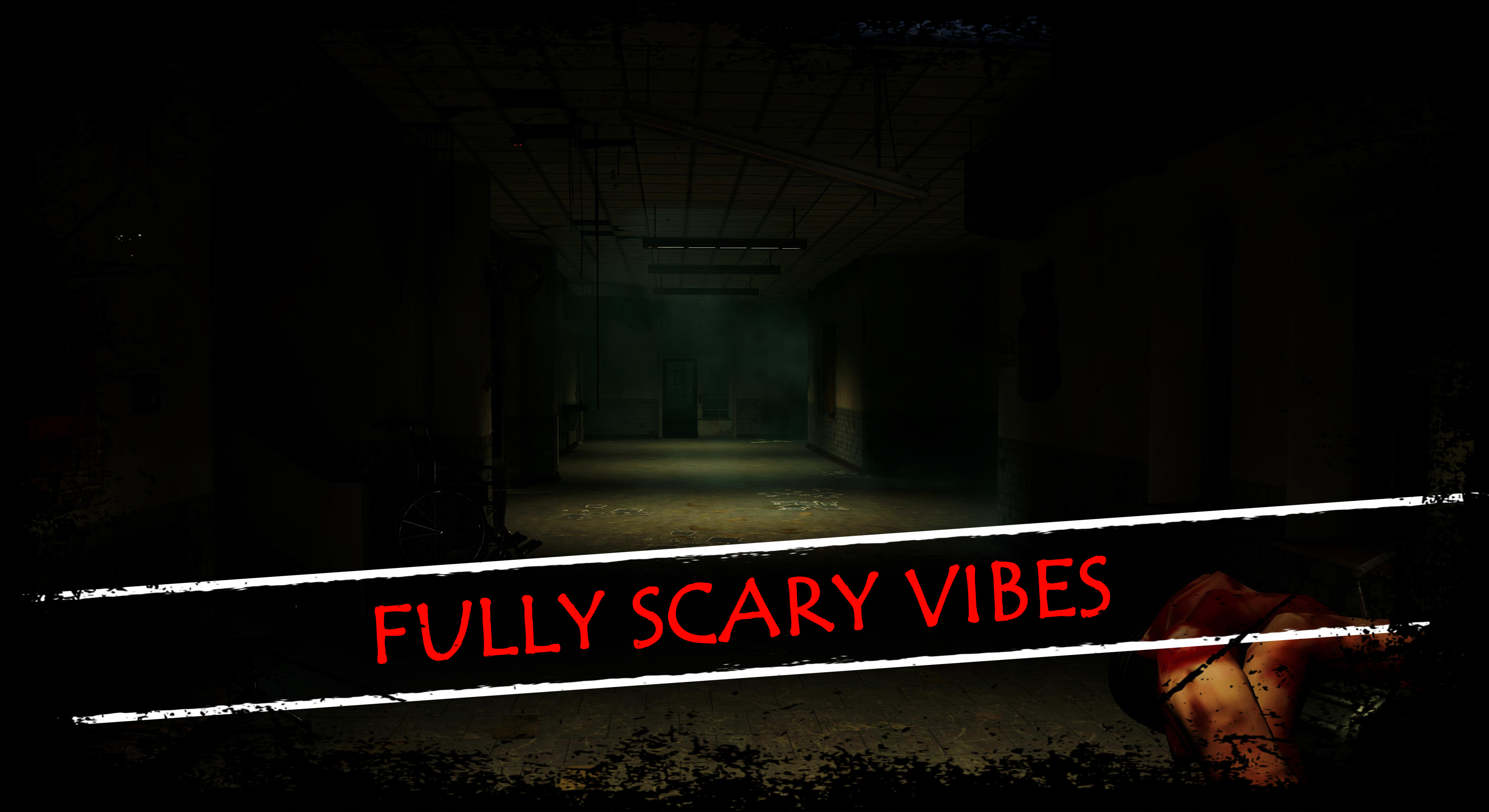
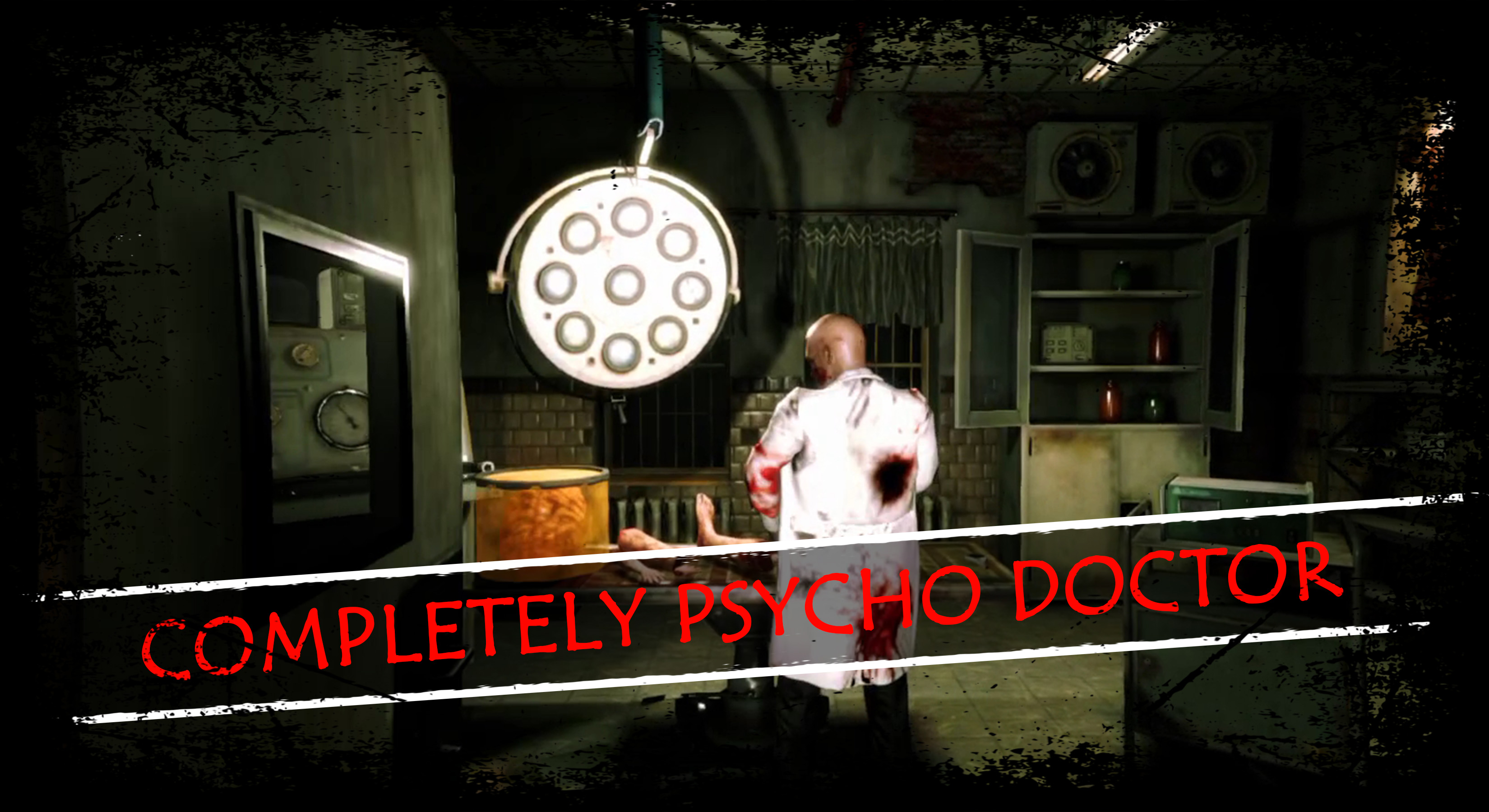
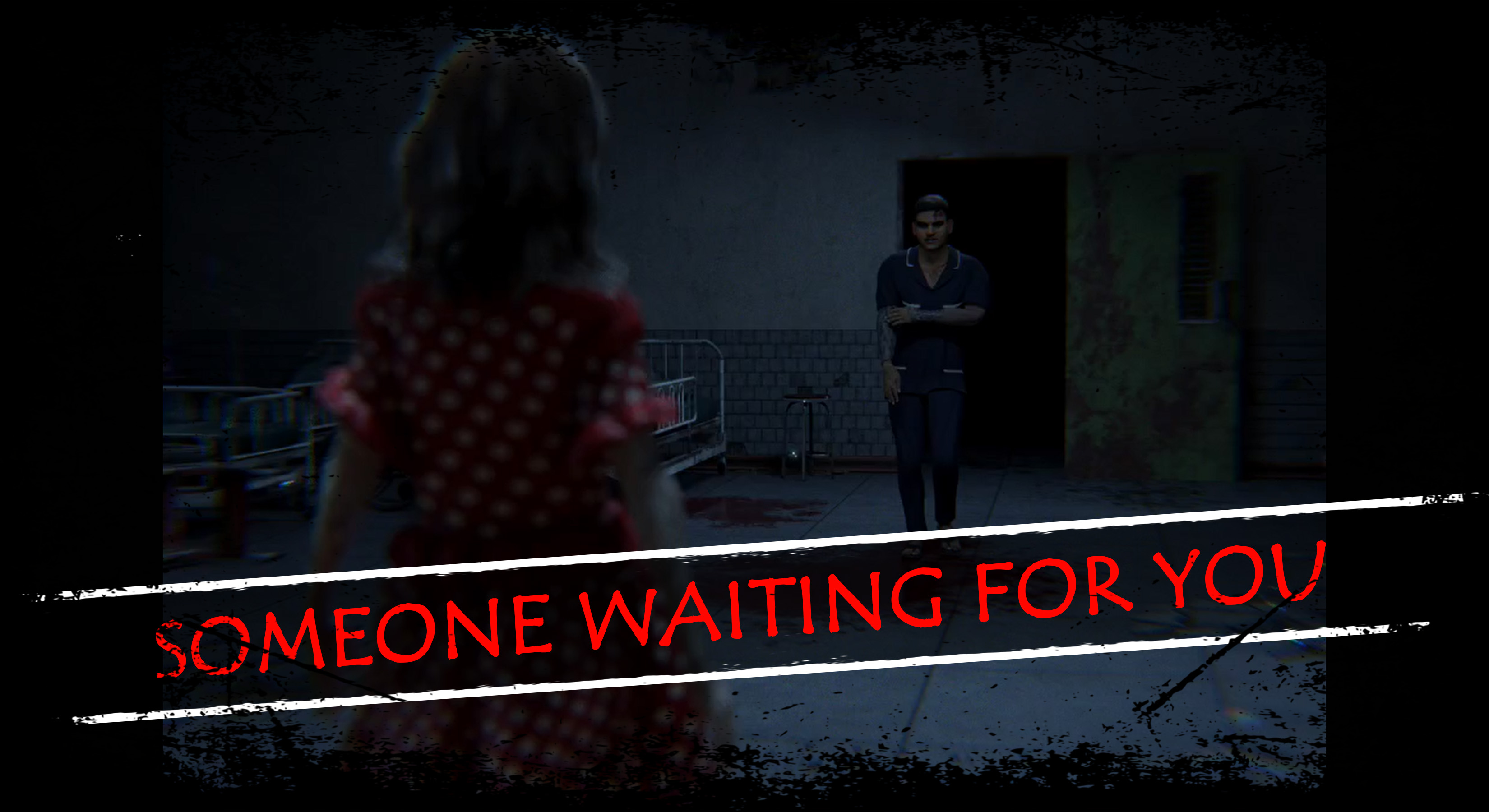
Plunge into Total Horror, a thrilling survival horror game blending 90s terror with Indian folklore! As Shubham, a vlogger chasing viral fame, you’re trapped in the cursed Shanti Care Hospital. Face Dr. Rudra’s madness, Pari’s ghostly wrath, Raaz’s monstrous plea, the eerie Vinchu Doll, and a snarling Zombie Dog in this chilling beta. The full nightmare awaits!
🔪 What Makes It Special:
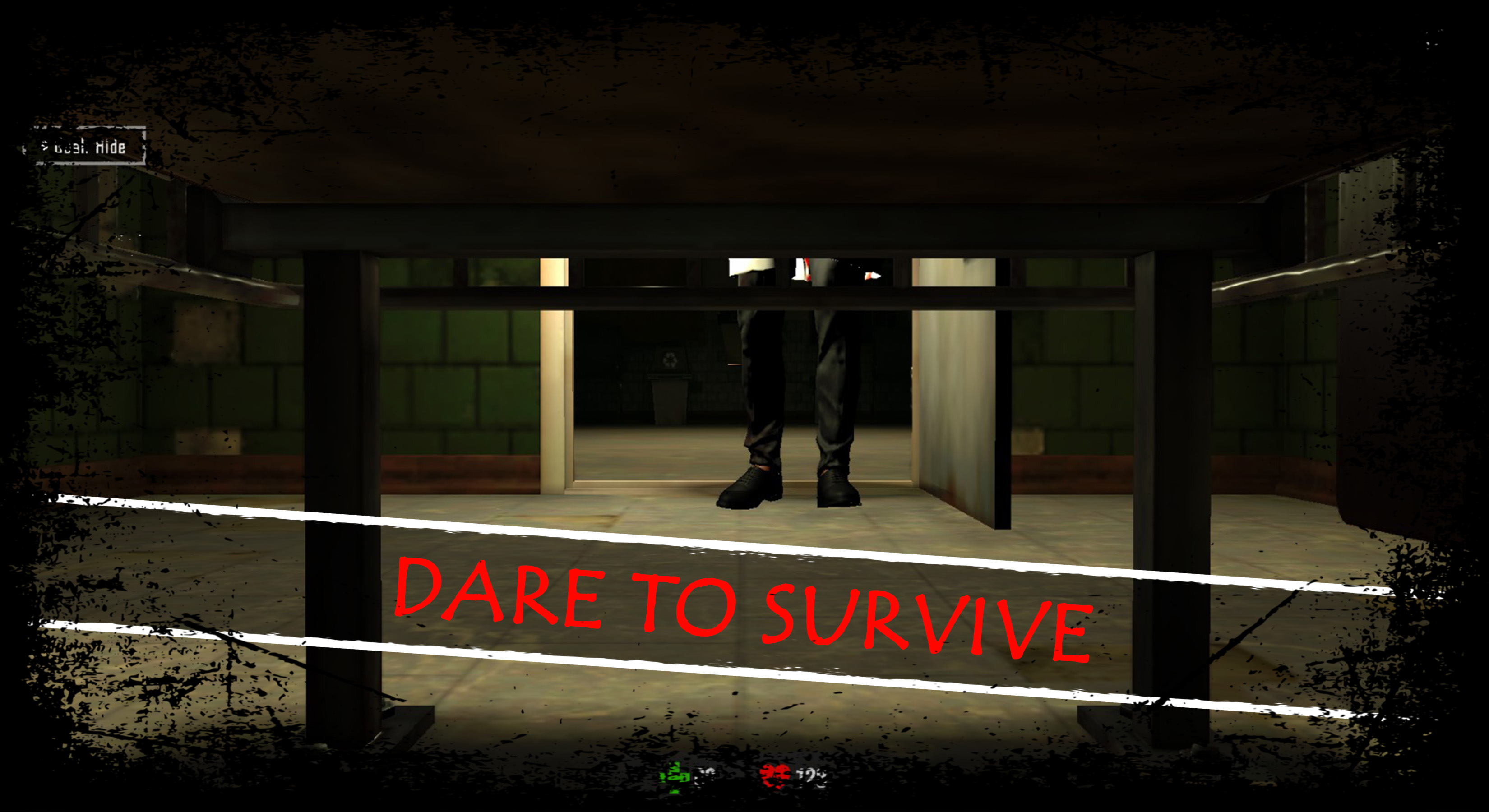
Creepy AI Scares: Dynamic jumpscares from Dr. Rudra and Pari adapt to your moves.
Vlogger’s View: Record scares for viral clips—perfect for streamers!
Cultural Horror: Unravel a ritual with Ganga Jal and occult vibes.
Multiple Endings: Save Pari, redeem Raaz, or escape—your choices shape five epic endings.
Mini-Games & Trolls: Outsmart Vinchu Doll with riddle mini-games or troll enemies with decoys for hilarious scares.
Fear System: Your panic triggers hallucinations, making every step intense.
🎮 Beta Preview:
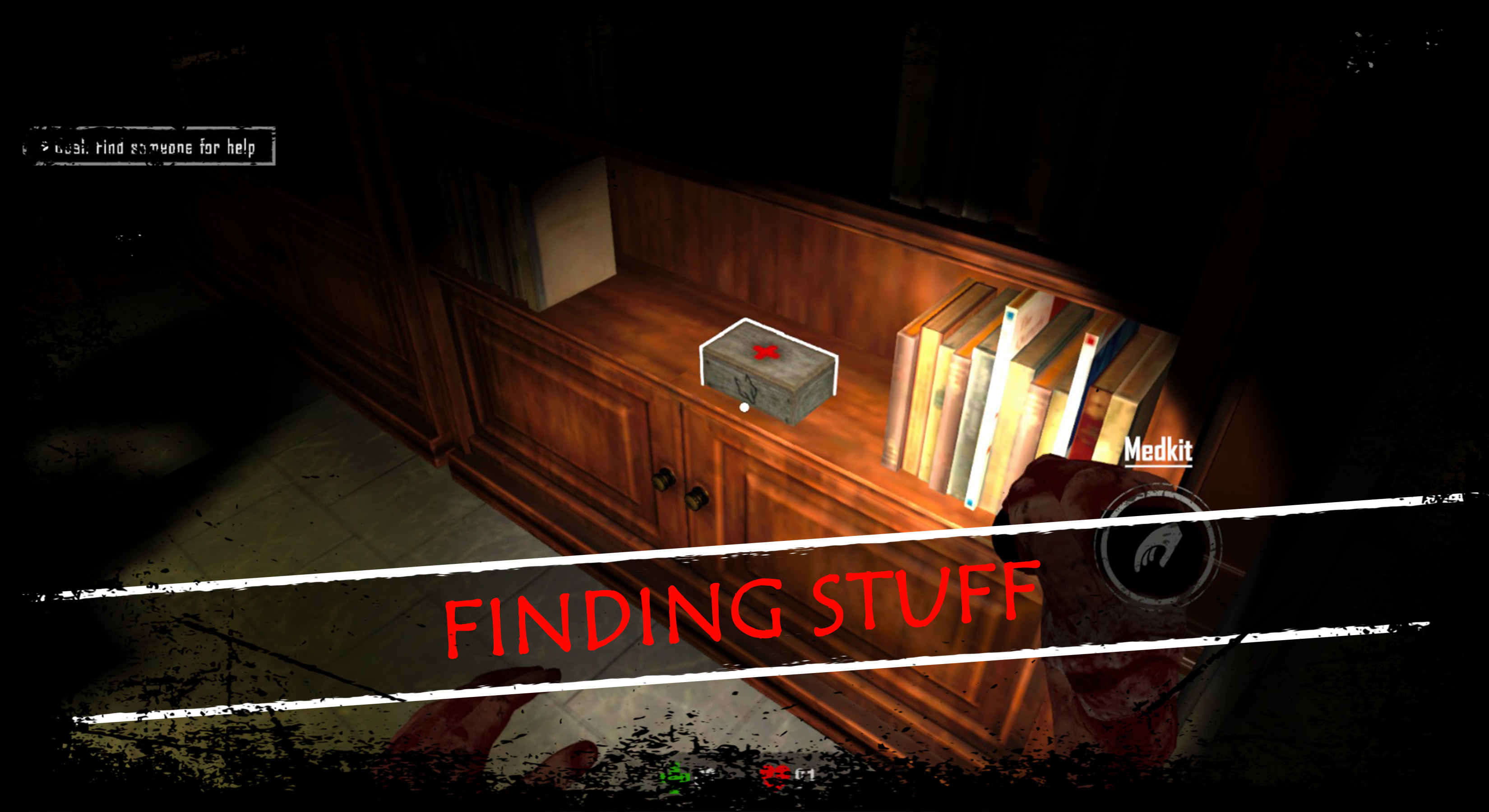
Sneak past Raaz, solve Vinchu Doll’s puzzles, and survive Zombie Dog chases. Test mini-games and troll mechanics—your feedback will shape the ultimate horror!
🌍 Global Terror:
Hindi/English audio with 10+ subtitle options. Optimized for mobile (3GB RAM, Android 9+).
💀 Join the Fear:
Download the Total Horror beta now to face the terror and help craft the full game. Limited access—be among the first to scream!
📹 Streamers, Go Viral!
With troll-worthy scares and vlog-ready moments, Total Horror is built for YouTube, Twitch, and Instagram. Share Shubham’s nightmare!
⚠️ Warning: Intense horror, gore, and jumpscares. Not for the faint-hearted!
Follow Us:
Discord | Instagram | X for beta updates and teasers.
Contact: contactus@overgearinteractive.com
Total Horror ©️ 2025 YRSD Overgear Interactive. Dare to play?
Download
Install instructions
🔧 Installation Instructions
1. Download the .EXE file from the Itch.io page.
2. Once the download is complete, open the file to start the setup.
3. Follow the on-screen instructions during installation and click "Finish" once done.
4. After installation, launch the game from your desktop or Start menu.
5. For the best experience, use headphones and play in a dark room. 😉
System Requirements:
Windows PC with DirectX 11+
.NET Framework 4.7+
4 GB RAM (minimum)
If the game doesn't start, try running it as Administrator.
Also available on

Leave a comment
Log in with itch.io to leave a comment.